How to Connect Your Great White Devices to the DALUA Ecosystem App (Step‑by‑Step Guide)

How to Connect Your Great White Devices to the DALUA Ecosystem App
Connecting your Great White Wave Maker, Great White Return Pump, or Great White Skimmer to the DALUA Ecosystem App takes just a few minutes. Follow these simple steps to unlock full WiFi control and seamless automation for your reef system.
STEP 1 — Download the App
Download the DALUA Ecosystem App from the App Store. Once installed, open the app on your phone.

STEP 2 — Set Up Your Equipment
Plug your Great White devices into their controllers.
IMPORTANT: Make sure all pumps and wave makers are fully submerged in water before turning them on. Never run a pump dry.
Turn the equipment on.
STEP 3 — Put the Controller Into Connection Mode
Locate the M button on your Great White controller.
Press the M button until the screen shows:
— — — —

Four dashes will appear. Once you see them, stop. Your device is now ready to connect.
STEP 4 — Open the DALUA Ecosystem App
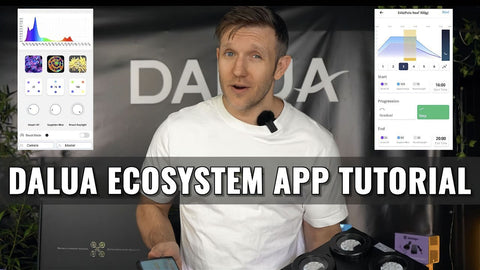
Open the app on your phone. Select SCAN to search for nearby DALUA Ecosystem devices.
STEP 5 — Find Your Devices
Your Great White devices should now appear on the screen.
Select the device you want to add and follow the instructions in the app.
That’s it — you’re connected.
Repeat the process for your:
Great White Wave Maker
Great White Return Pump
Great White Skimmer
Quick Reminder Checklist
Plug in → Submerge → Turn on → Press M until — — — — appears → Open DALUA Ecosystem → SCAN → Connect